

Category: Guides
Time Tracking Without Micromanagement
Why tracked time is a tool for fair billing and workload visibility, not surveillance, and how to introduce it to a team without triggering the Big Brother objection.
By Baptiste Dulac · Published August 8, 2026
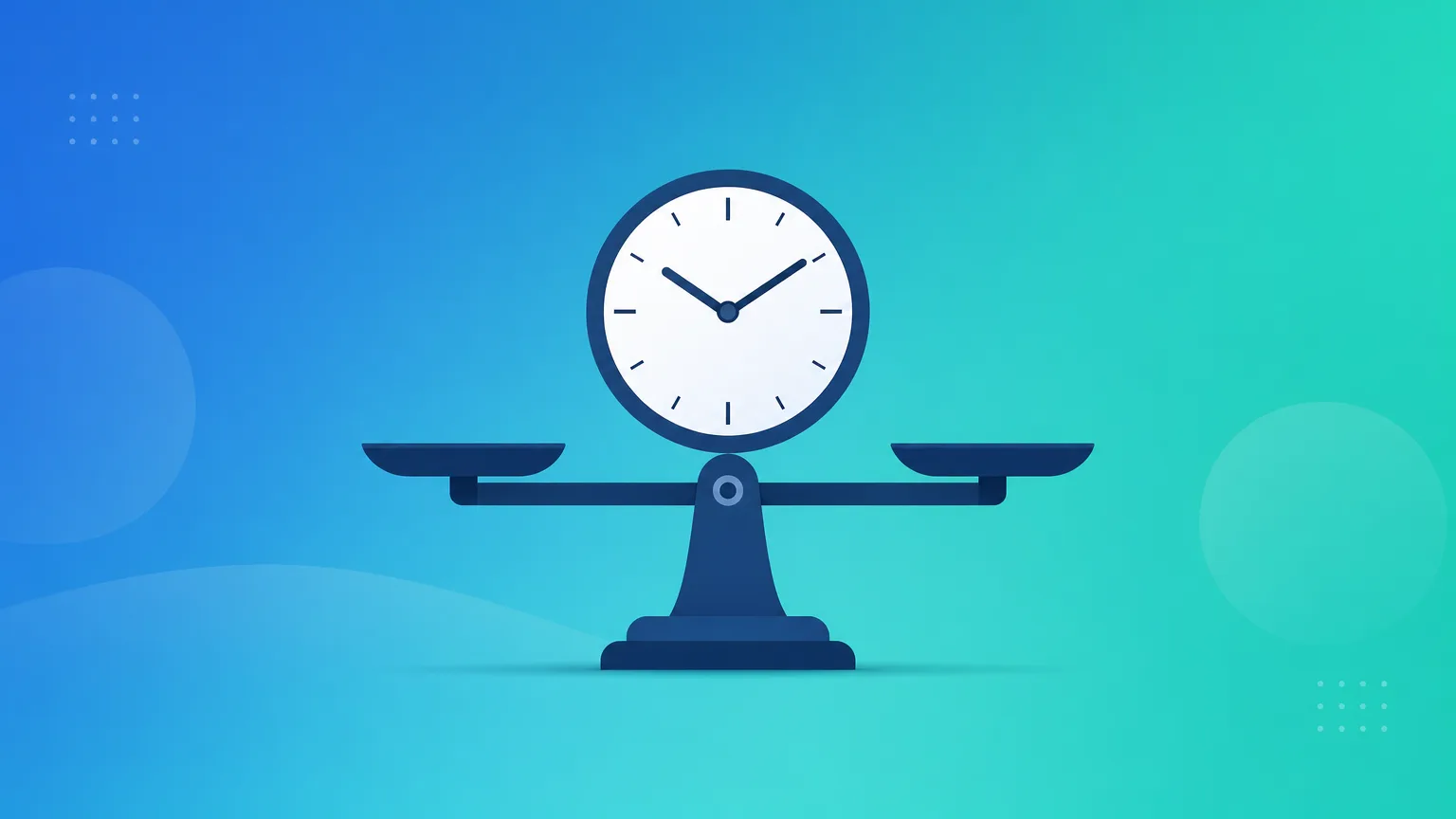
"Are you going to watch every minute I work?" is the first question most people ask when time tracking gets introduced to a team. It is a fair question. Plenty of tools are built to answer it with "yes": screenshots, activity scores, idle-time flags, keystroke counts. Those tools train people to perform busyness instead of doing good work, and they poison trust faster than any missed deadline.
None of that is required to run a client-based business well. What you actually need from time tracking is much narrower: knowing what was billable, knowing who is overloaded, and having a record you can stand behind when a client asks what they paid for. That's a different tool with a different posture, and it's worth being explicit about the difference before you roll anything out to a team.
Surveillance measures activity. Tracking measures outcomes.
Surveillance tools answer "was this person working right now." Time tracking, done well, answers a different question entirely: "where did the hours we have go." The first is about policing attention. The second is about accounting for outcomes, which is what a business, a client, and honestly the person doing the work all actually care about.
A developer who spends 40 minutes staring at a whiteboard before writing the fix that would have taken someone else four hours is not idle. An activity monitor would flag that time as unproductive. A time entry that reads "debugging session, root cause found" captures what actually happened. The distinction matters because the first framing punishes thinking, and the second rewards results.
The three things tracked time is actually for
Strip away the surveillance angle and tracked time serves three concrete purposes, all of which benefit the people doing the work as much as the business running it:
- Fair billing. If a client is paying by the hour, tracked time is the only honest way to charge them for exactly what was delivered, no more and no less. It protects the client from overbilling and protects you from underbilling the scope creep you quietly absorbed.
- Workload visibility. Without data, "who's overloaded" is a guess based on who complains loudest or who happens to be in the room during a status update. With data, it's a chart. Managers can rebalance work before someone burns out, instead of after.
- A record, not a report card. When a client questions an invoice six weeks later, or a project runs over budget and someone needs to understand why, tracked time is the paper trail. It answers questions about the work, not about the person.
None of these purposes require knowing whether someone was at their desk at 2:14pm. That's the tell that separates tracking from surveillance: one is scoped to the work, the other is scoped to the person.
Introducing it to a team that's never tracked time before
If your team has never logged time before, the rollout matters more than the tool. A few things consistently make the difference between adoption and quiet resentment:
- Explain the why before the how. Tell people directly: this is for billing accuracy and workload balance, not activity monitoring. Say what the tool doesn't do (no screenshots, no keystroke logging, no idle detection) as clearly as what it does.
- Make logging fast, or it won't happen. If entering a time entry takes more than a few seconds, people will batch it at the end of the day or the end of the week, and the data quality collapses. A simple description, a project, a duration, and a billable flag is enough. Anything heavier gets abandoned.
- Let people see their own data first. Before rolling out team-wide dashboards, give individuals visibility into their own hours and billable ratio. People are far more receptive to a tool that helps them understand their own week than one that only feeds a manager's report.
- Managers use it to rebalance, not to grade. The first time tracked time gets used to call someone out in a meeting, trust is gone for the rest of the team, permanently. Use it to move work off someone's plate, not to question whether they earned their day.
What this looks like in Portime
Portime's data model reflects this on purpose. A time entry has a project, a duration, a short description, and a billable flag, and that's it. There's no activity score, no screenshot, no "productivity" metric attached to a person. Reporting rolls up by client and project, not by ranking who logged the most hours.
That's a deliberate scope decision, not a missing feature. The moment tracked time starts describing a person instead of a project, it stops being useful for billing and workload planning, and starts being a tool people manage around instead of a tool that helps them.
The trade-off that's worth making

You will lose a small amount of granularity by refusing to track activity. You won't know if someone spent an hour of billable time reading email instead of working. Most teams find that trade-off is worth it, because the alternative, a team that logs time to satisfy a monitoring system instead of to reflect reality, produces worse data anyway. People find ways to make an activity score look good regardless of what they actually did.
Trust the description in the time entry. Use the aggregate data to bill fairly and balance workload. That's what tracked time is for, and it's enough.