

Category: Guides
How to Write Time Entry Descriptions Clients Actually Understand
A short, specific description turns a line of hours into a line of value. Here is a simple formula for writing entries that hold up on a client report.
By Baptiste Dulac · Published September 28, 2026
Most time tracking advice focuses on capturing the hours. That part matters, but it is only half of what ends up on a client report. The other half is the description next to each entry, and it is often the part clients read most closely.
An entry that says "Work, 3h" asks the client to take your word for it. An entry that says "Rebuilt checkout form validation after QA feedback, 3h" shows them what they paid for. Same hours, very different conversation.
Why descriptions matter more than they look
When a client opens a monthly report, they are rarely checking your arithmetic. They are trying to answer a simpler question: does this match what I expected to get this month? Descriptions are how they answer it.
Vague descriptions cause a few predictable problems:
- Questions on the invoice. "What was the 4 hours of 'meetings' on the 12th?" Every question like this costs you a reply, and sometimes a discount you did not need to give.
- Work that looks smaller than it was. "Fixes" undersells an afternoon spent tracking down a data bug that was losing orders.
- A weak record for yourself. Three months later, when you quote a similar project or review what a client actually used, "misc" tells you nothing.
Good descriptions do the opposite. They pre-answer the client's questions, make invisible work visible, and give you a searchable history of what each project really involved.
A simple formula: verb, object, outcome
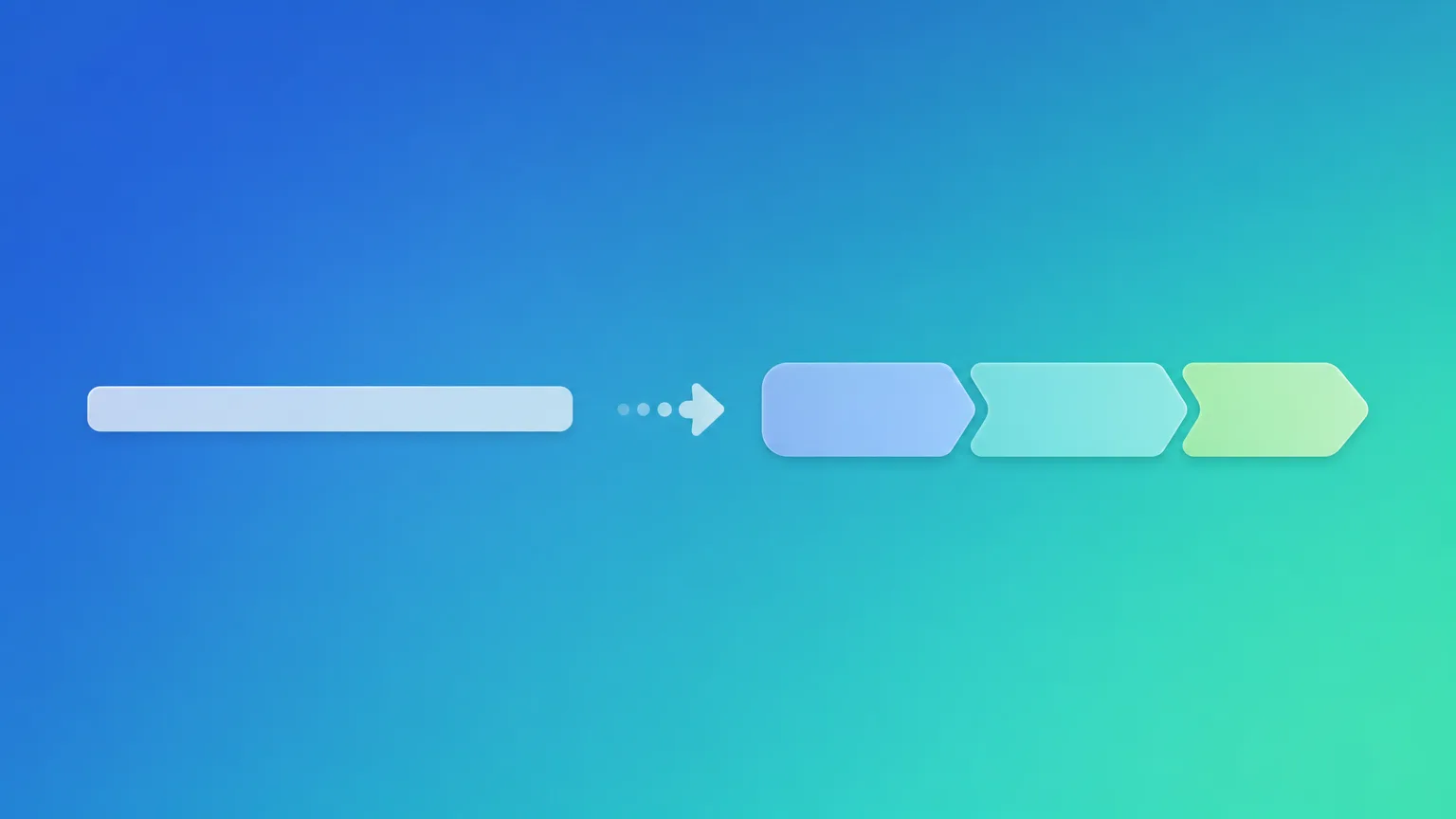
You do not need a style guide. One pattern covers almost every entry:
- Start with a verb. Drafted, reviewed, fixed, migrated, presented, researched. The verb says what kind of work it was.
- Name the object. The specific page, feature, document, or deliverable. "Homepage hero section", not "website".
- Add the outcome or reason when it is not obvious. "After client feedback", "for Q4 launch", "ready for review". This is the part that connects the hours to something the client cares about.
Put together:
Weak:    Design work
Better:  Designed pricing page layout
Best:    Designed pricing page layout, two variants for Thursday review

Weak:    Call
Better:  Call with Anna re: onboarding flow
Best:    Call with Anna to agree onboarding flow scope, notes sent after

Weak:    Bug fixes
Better:  Fixed invoice PDF export
Best:    Fixed invoice PDF export dropping line items over 50 rows
The "better" versions are already a big improvement. The "best" versions are worth the extra five words when the work is large, unusual, or likely to be questioned.
Write for the reader, not for yourself
A description is written once and read later, often by someone who was not in the room. A few habits keep it readable:
- Use the client's vocabulary. If they call it "the partner portal", do not call it "the B2B app" in your entries.
- Skip internal shorthand. Ticket numbers and branch names are fine as an addition, not as the whole description. "PROJ-412" means nothing on a PDF.
- Keep it to one line. If an entry needs a paragraph, it probably covers several pieces of work and would read better as two entries.
- Be honest about non-deliverable work. Research, debugging, and coordination are real work. "Investigated slow dashboard load, traced to unindexed query" is far better than hiding it inside a vague "development" block.
Grouping helps descriptions do less work
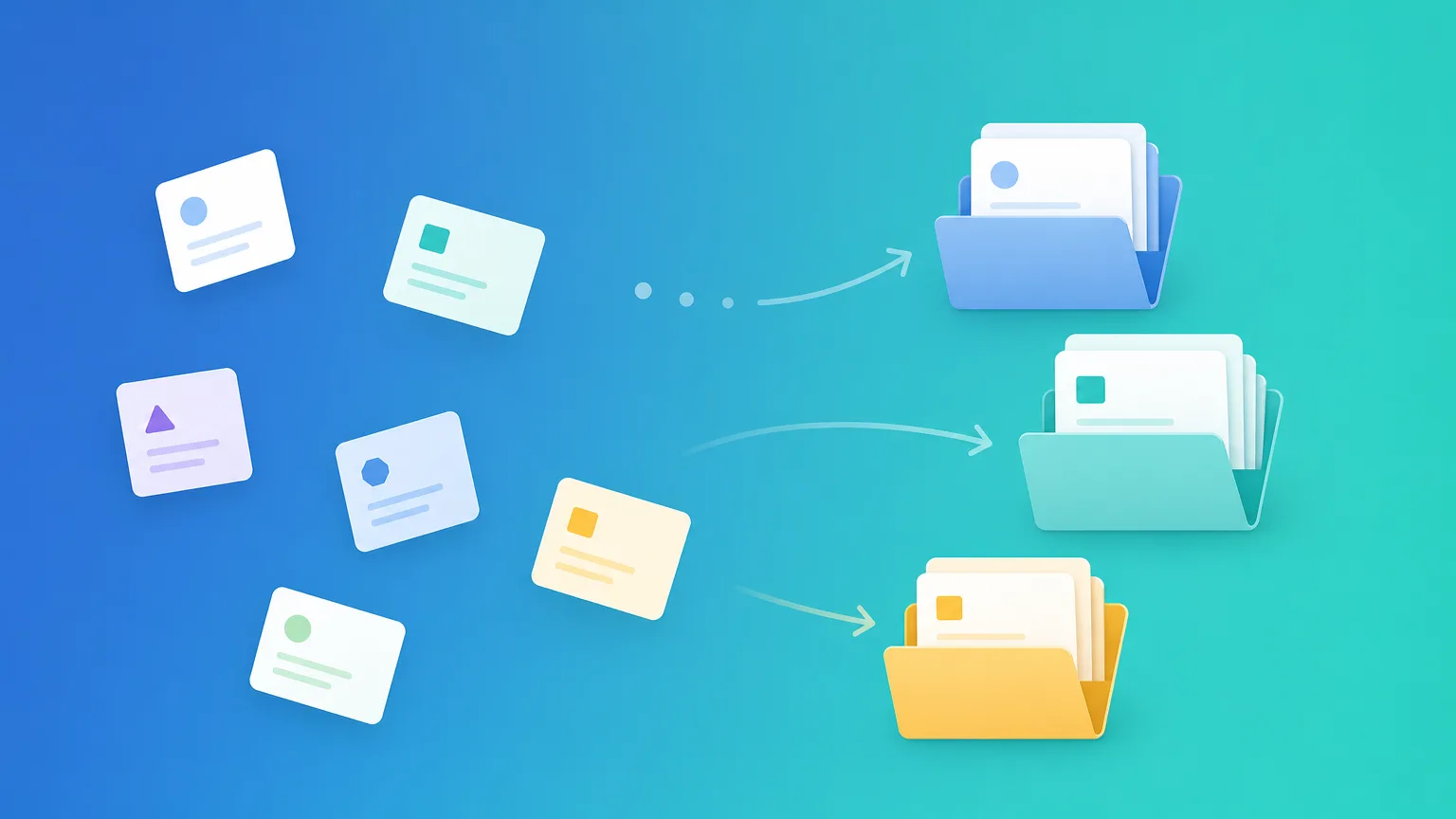
A description does not have to carry every piece of context on its own. If the entry already sits under the right client and project, you do not need to repeat "Acme website redesign" in every line. The structure supplies the context, and the description only needs to say what happened.
This is one reason a clean client and project structure pays off. When entries are organized well, descriptions can be short and specific instead of long and defensive.
How this shows up in Portime
In Portime, every time entry has a short description alongside its project, duration, and billable flag. The monthly report groups entries by client and project and includes each entry's description in its table, in both the Markdown and PDF versions. What you type when you log the time is exactly what your client reads at the end of the month.
That makes the habit easy to build: write the description as if the client were reading it, because they will be. If you capture something quickly and the description is rough, you can edit the entry before the report goes out, so a hurried note on a busy Tuesday does not end up as the final wording.
A quick pre-report pass
Before sending a monthly report, a five-minute review catches most problems:
1. Filter the month to one client.
2. Scan for one-word descriptions ("meeting", "fixes", "misc").
3. Rewrite each with a verb, an object, and an outcome if useful.
4. Split any entry that clearly covers two different pieces of work.
5. Read the list top to bottom and ask: would this make sense to someone who was not here?
After a few months, you will find there is less to fix, because you start writing entries this way from the start.
The takeaway
Hours tell a client how much you worked. Descriptions tell them what they got. A consistent verb, object, and outcome pattern takes seconds per entry, cuts down on invoice questions, and leaves you with a record you can actually use when it is time to quote the next project. It is one of the cheapest ways to make every report you send more credible.