

Category: Guides
Billable vs Non-Billable Hours: What Counts and Why
Billable vs non-billable hours: billable time is what a client pays for, the rest is not. Learn how to sort each entry and keep both visible in reports.
By Baptiste Dulac · Published November 23, 2026

Billable vs non-billable hours is a simple split: billable hours are the hours a client pays for under your agreement, and non-billable hours are every other hour you work. Tracking both, and labelling each entry as one or the other, is what makes your reports and invoices easy to trust.
Most freelancers and consultants know the difference in theory. The trouble starts in practice: a 20-minute call that drifts into a quick fix, a proposal written for an existing client, a bug that turns out to be your own. This guide gives you a simple way to decide, a table of common cases, and a routine to keep the labels clean.
What billable vs non-billable hours mean
The split is a label on each time entry that says whether the client should pay for that time.
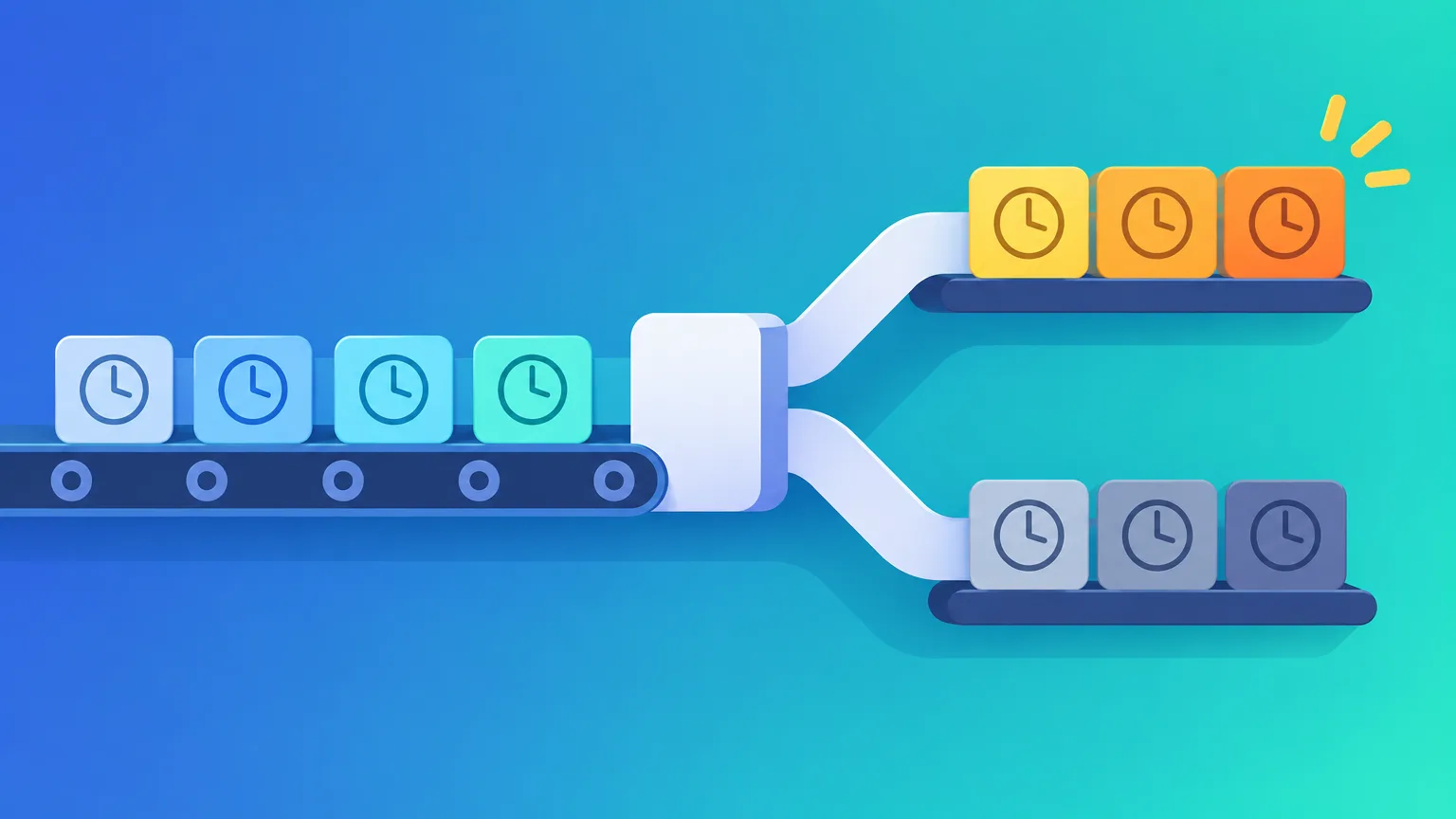
Here is a plain definition you can reuse: a billable hour is an hour of work that your agreement with a client allows you to charge for, and a non-billable hour is any working hour that it does not.
Two details matter in that sentence. First, "your agreement" means the contract or the quote, not your opinion on the day. Second, non-billable does not mean wasted. Business development, admin, and learning are all necessary. They just are not paid by one client for one project.
It also helps to separate two kinds of non-billable time:
- Non-billable client time: work for a client that you choose not to charge, such as a short goodwill fix or an extra review round.
- Internal time: work for your own business, such as admin, bookkeeping, proposals, and marketing.
Our guide on how to price and sell your time explains why this split also shapes the rate you need to charge.
Common cases: billable or not?
Most entries are easy to sort with one question: would the client expect to see this on their invoice under the current agreement?
The table below covers the cases that cause the most hesitation. Treat it as a default, then let your contract override it.
| Activity | Usual default | When it changes |
|---|---|---|
| Work on agreed deliverables | Billable | Never, unless you are on a fixed fee |
| Client meetings and calls | Billable | Sales calls before the deal is signed |
| Writing a proposal or quote | Non-billable | Paid discovery phases |
| Fixing your own mistake | Non-billable | Rarely, and only if agreed |
| Travel to the client | Depends | Set it in the contract |
| Small requests outside scope | Billable | When you decide to absorb them |
| Admin, bookkeeping, internal tools | Non-billable | Never charged to a client |
| Learning a client's specific system | Often billable | When it is general skill-building |
If an activity does not fit any row, log it first and decide later. A labelled entry can always be corrected. An hour that was never logged is gone.
In my consulting work, the entries that are hard to classify are rarely the long ones. They are the short calls and quick fixes that sit between two real tasks.
How to label your time in five steps
A reliable labelling routine sets the rule once, applies it when you log, and checks it before anything goes to a client.
- Write the rule down per client. Note what counts as billable for each agreement: travel, meetings, out-of-scope requests. One line per client is enough.
- Choose the label when you log. Decide billable or non-billable when you start the timer or add the entry. You will never remember the context better than in that moment.
- Give absorbed work its own entry. If you choose not to charge for something, log it as non-billable instead of skipping it. The client sees the goodwill, and you see the real cost of the project.
- Review the labels weekly. A short check catches billable work marked non-billable, which is lost revenue, and internal work logged as billable, which is an awkward question later. Our weekly time review routine includes this as one of its five steps.
- Mark entries as billed once invoiced. After you send an invoice from your invoicing tool, mark those entries as billed so they are not charged twice.
What the split tells you about your business
Once your entries carry a reliable label, the totals answer questions that a single "hours worked" number cannot.
The most common one is your billable ratio: billable hours divided by total hours worked.
Example: in one month you log 140 hours. 98 of them are billable and 42 are non-billable (18 of internal admin and proposals, 24 of non-billable client time). Your billable ratio is 98 / 140 = 70%. If you priced your rate assuming 120 billable hours a month, you are now 22 hours short, and the labels show exactly where those hours went.
The split also helps on a single project. When the non-billable share keeps growing on one client, it is often an early sign of scope creep. Our guide on spotting scope creep with your own time data shows how to turn that pattern into a calm conversation with the client.
How this works in Portime
In Portime, every time entry is billable or non-billable, and it can also be marked as billed. You log time against a client, an optional sub-client, a project, and a task, either with a timer or by adding it manually, as described on the features page.
The monthly activity report is grouped by client and project and exports as Markdown or PDF. On Pro, you can filter reports by billable, billed, project, and person, and see charts on the default report. Portime does not create or send invoices: it gives you billing-ready reports to use with your invoicing tool, as the FAQ explains. You can also ask the built-in assistant questions such as how many billable hours you tracked for a client last month.
Keep both kinds of hours visible
The goal is not to maximise billable hours at any cost, but to know exactly which hours are which.
Track everything, label each entry when you log it, and check the labels once a week. Billable hours then turn into invoices with fewer questions, and non-billable hours show you where your time goes when nobody is paying for it.
Want to try this in Portime? Start the 7-day free trial on the Starter plan (pricing).
FAQ
Is travel time billable?+
It depends on your agreement. Some consultants bill travel at the full rate, some at a reduced rate, and some not at all. Write the rule into the contract, then log travel as its own entry so the client can see it either way.
Should I track non-billable hours at all?+
Yes. Non-billable hours are still hours you worked, and they explain why a full week can produce a modest invoice. Without them you cannot see how much time sales, admin, or absorbed fixes really take.
What is the difference between billable and billed?+
Billable means the client should pay for the time. Billed means the time has already gone on an invoice. An entry can be billable but not yet billed, which is the gap to check before you send your next invoice.
Can a non-billable entry become billable later?+
Yes, if the client agrees that the work was in scope after all, or if a change request is approved after the fact. Update the flag on the entry rather than creating a duplicate, so your totals stay correct.
Related articles
Guides
How to Price and Sell Your Time as a Freelancer or Consultant
A practical guide to setting your rate, separating billable from non-billable hours, and turning tracked time into reports clients can review without pushback.
Guides
The 15-Minute Weekly Time Review That Saves Your Month-End
A 15-minute Friday routine to close timesheet gaps, sort stray entries, and spot budget drift early so your monthly client reports write themselves.
Guides
Spotting Scope Creep Early With Your Own Time Data
Scope creep rarely arrives as one big ask. Use project budgets, task estimates, and tracked hours to spot drift early and address it before margin drops.