

Category: Guides
Multi-Entity Time Tracking: One Client, Many Entities
Multi-entity time tracking: log each hour to the right subsidiary or brand, then get one report per entity and a consolidated total for the group.
By Baptiste Dulac · Published November 9, 2026
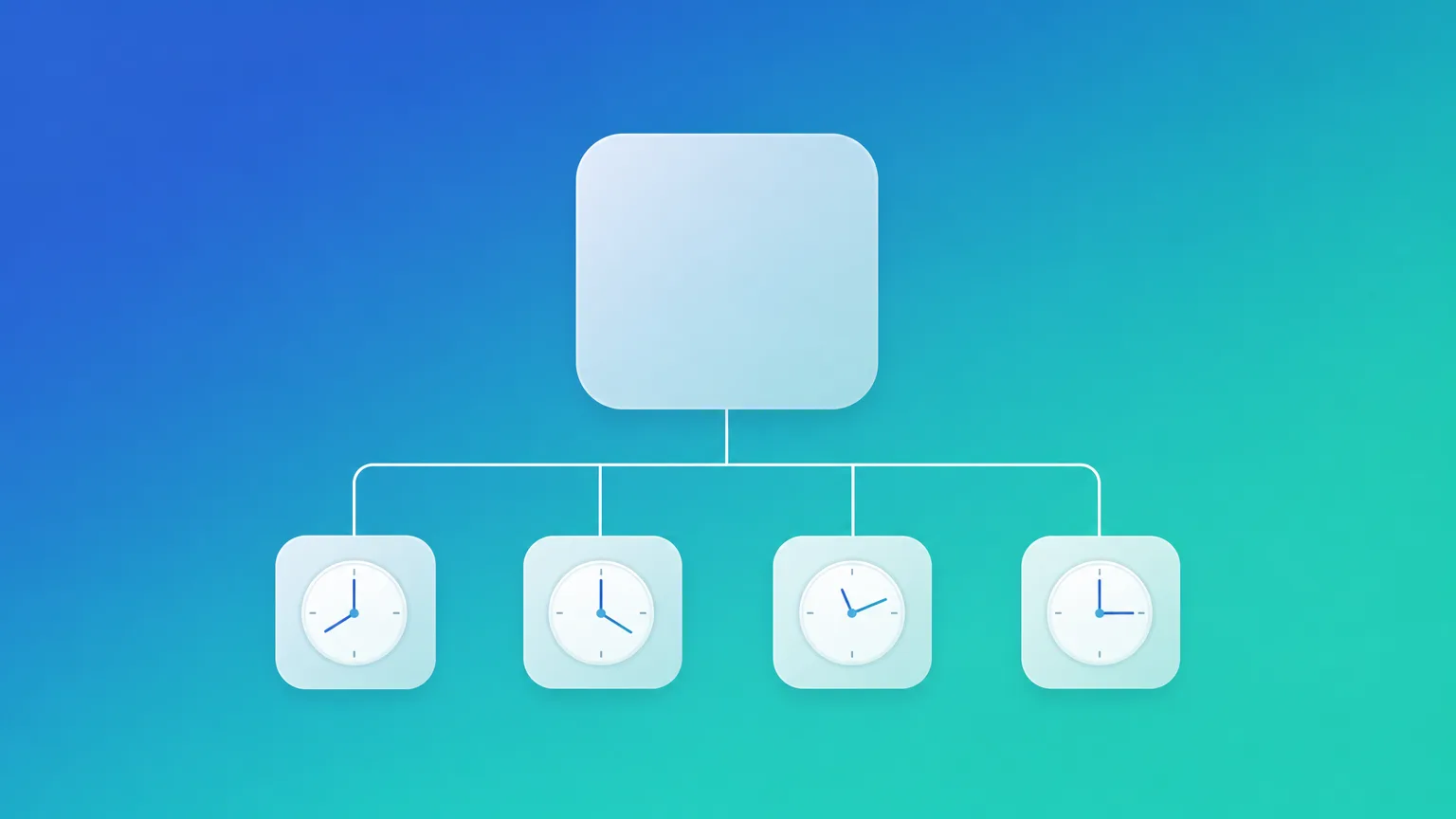
Multi-entity time tracking means logging every hour for a group client against the specific entity it served, such as a subsidiary, brand, or country office. Set each entity up as a sub-client under one parent client, put projects under the entity, and you get one report per entity plus a consolidated total.
Groups, franchise networks, and holdings rarely buy work as a single block. The head office signs the engagement, but the marketing team in one subsidiary, the finance team in another, and a new acquisition all request work separately. If your time tracking sees one client name, you cannot answer the first question each entity will ask: "how much of this was for us?"
Why a group client breaks a flat client list
A group client breaks a flat client list because one commercial relationship contains several cost centers that each want their own numbers. You end up with two bad options: one client record that hides the split, or a separate client per entity that hides the group total.
The first option looks tidy until an entity controller asks for their share of last quarter. You then sort through descriptions by hand and guess. The second option works for each entity, but the group procurement team wants one view of everything it spends with you, and you have to add up several reports in a spreadsheet.
The general case for a client hierarchy is covered in our guide to organizing clients and projects that scale. This guide stays on one narrower situation: a single client that is really several organizations.
Sub-clients or projects: which layer holds the entity?
Put the entity in the sub-client layer and the piece of work in the project layer. A simple test helps: an entity is something that exists before your engagement and after it, while a project starts and ends with a deliverable.
A sub-client is an optional layer between a client and its projects that represents one part of that client, such as a subsidiary, brand, or office, so its time can be reported separately and still roll up to the parent.
| Situation | Use a sub-client | Use a project |
|---|---|---|
| A subsidiary with its own budget owner | Yes | No |
| A brand or country office that reviews its own hours | Yes | No |
| A one-off audit or migration for one entity | No | Yes, under that entity |
| A recurring retainer for one entity | No | Yes, under that entity |
| A department that never asks for its own numbers | No | Optional |
If an entity has one project today, still give it a sub-client. The second project usually arrives within a few months, and it is easier to start with the right shape than to move history later.
In my consulting work, the first entity to ask for "just our hours" was almost never the one I had planned for, so I now set up every known entity on day one.
How to set up multi-entity time tracking
Setting up multi-entity time tracking takes one pass through the client's organization chart before you log the first hour. Follow these steps in order:
- Create one parent client with the group's legal or commercial name, the one on the contract.
- List the entities that will ask for their own numbers. Use the client's own names for them, exactly as their teams say them.
- Add each entity as a sub-client under the parent. Add a shared group-level entity for work that serves everyone.
- Create projects under the right entity, one per engagement or retainer, not one per year.
- Add tasks inside each project for the deliverables you want to see in the report.
- Agree on the rule for shared work with the client: it stays at group level, or it is split by an agreed key.
Example: a holding with 3 subsidiaries and 1 group entity. In one month you log 18h for Subsidiary A, 11h for Subsidiary B, 6h for Subsidiary C, and 5h for group steering. Each subsidiary sees its own total, and the group sees 40h with the four-way split.
Get one report per entity and one consolidated view

A good setup gives you two reports from the same entries: a narrow one per entity and a wide one for the group. You should never re-enter or copy time to produce either.
The entity report goes to that entity's contact. It shows only their projects, tasks, and hours, so they do not see what other parts of the group bought. The consolidated report goes to the group sponsor or procurement team. It shows the total first, then a section per entity with its own subtotal, so the group can see where the effort went without reading every line.
Both reports depend on descriptions that make sense to someone outside the project. Our guide to writing time entry descriptions clients understand helps here, because an entity controller will read your lines without any context. If you send these reports monthly, the advice in monthly reporting as a client retention tool applies to each audience separately.
Common mistakes with multi-entity clients
Most multi-entity mistakes come from logging time faster than the structure was decided. These are the ones worth watching:
- Using the group name for everything. Hours land on the parent with no entity, and the split is lost.
- Naming entities your own way. If the client says "Nordics" and you say "Scandinavia office", every report needs a translation.
- Hiding entities in task names. "Subsidiary B: onboarding" as a task under a group project cannot be totaled per entity.
- No home for shared work. Group meetings get spread at random across entities, so their totals drift.
- Restructuring mid-month. Changing where projects live halfway through a period makes that month's entity totals unreliable.
How this works in Portime
Portime follows the same Client → Sub-client → Project → Task structure, and time is tied to a client, an optional sub-client, a project, and a task, as the FAQ describes. Monthly activity reports group time by client and project and export as Markdown or PDF. When a report covers several sub-clients, it shows the client and sub-client and groups entries into a section per sub-client with its own total, as listed in the changelog for version 1.15.3. You can also narrow a report to one sub-client for an entity-only view. Pro adds report filters by billable, billed, project, and person. The features page describes the time tracking, projects, and reporting these reports build on. Portime does not create or send invoices. It gives you reports you can use with your own invoicing tool.
Related: trackers that stop at client and project, such as Harvest, are compared in the Harvest alternative for freelancers and agencies.
Want to try this in Portime? Start the 7-day free trial on the Starter plan (pricing).
FAQ
Should each subsidiary be a separate client instead of a sub-client?+
Make a subsidiary its own client when it signs its own contract, has its own budget owner, and never needs to appear in a group total. If the group signs or reviews the work centrally, keep one client and add the subsidiary as a sub-client. That way you get both the entity view and the group view from the same data.
How do I handle work that benefits every entity at once?+
Create one shared entity, such as a group-level sub-client, for work that no single entity owns. Log steering meetings, group-wide policies, and shared tooling there. Agree with the client up front whether that time stays at group level or is split later, so nobody argues about it at month end.
Can I add sub-clients after I have already logged time?+
Yes, but plan the switch at a period boundary, such as the first day of a month. New projects go under the right entity from that date, and older months stay as they were. Mixing both structures inside one reporting period makes entity totals hard to trust.
What if the client renames or merges two of its entities?+
Treat it like the client's own reorganization: keep past projects where they were, because past reports should match what was true at the time. Create new projects under the updated entity for work that starts after the change. Note the date of the change in your monthly report so the client can read both periods.
Related articles
Guides
Organizing Clients and Projects That Actually Scale
Structure clients, sub-clients, projects, and tasks so your time tracking and monthly reports stay clean past your first handful of client accounts.
Guides
Monthly Reporting as a Client-Retention Tool
Most freelancers and agencies treat the monthly report as paperwork. Here's how to turn that same report into the touchpoint that keeps clients renewing.
Guides
How to Write Time Entry Descriptions Clients Actually Understand
A short, specific description turns a line of hours into a line of value. Here is a simple formula for writing entries that hold up on a client report.